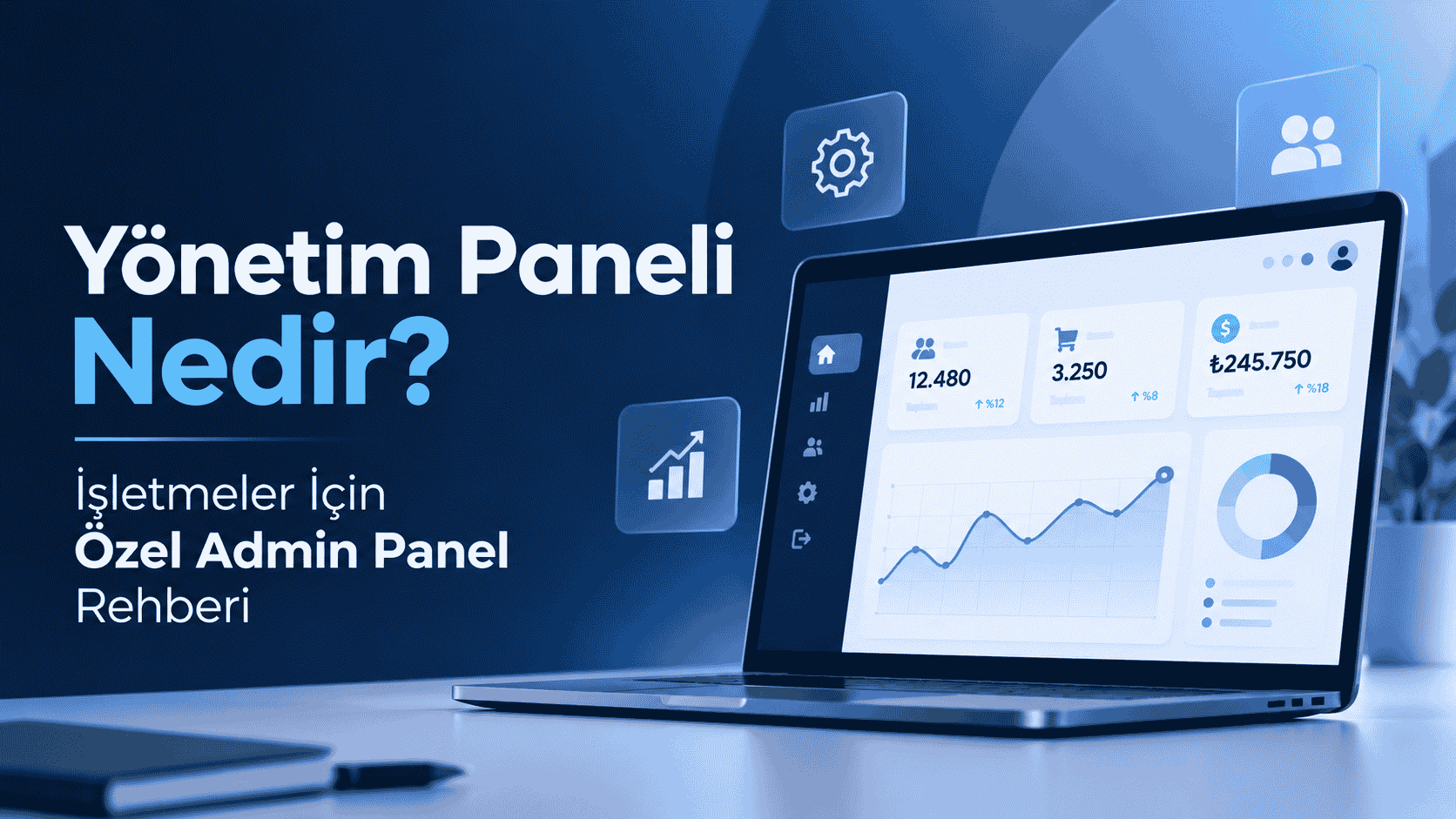
Short answer: An admin panel is the screen that manages the back end of a website, an application or a business process. Content, orders, customers, user permissions and reports are managed from one place, without needing a developer. A custom admin panel builds these screens around your own workflow instead of a one-size-fits-all template.
In many businesses, day-to-day operations still run across spreadsheets, email threads and disconnected tools. Asking a developer to update a piece of content, or merging three different files to prepare a report, wastes time. A well-designed admin panel brings all of this together on a single screen. In this guide we explain what an admin panel does, the difference between off-the-shelf and custom panels, and the features a good panel should have.
What Does an Admin Panel Do?
The admin panel is the side of your website or application that users don't see. Visitors see the content on the front end; your team creates, edits and publishes that content in the panel. A typical panel is used for:
- Managing content such as pages, blog posts, products and announcements
- Tracking orders, applications, appointments or requests
- Managing customer and user information
- Defining roles and permissions for team members
- Sales, operations and performance reports
- Exchanging data with other systems (ERP, CRM, accounting, payment providers)
In short, the admin panel is the control centre for a business's digital operations.
CMS vs. Admin Panel: What's the Difference?
The two terms are often used interchangeably, but their scope differs:
- CMS (Content Management System): Focused on content. It manages pages, blog posts, images and menus.
- Admin panel: Can include content management, but goes further. It also manages operational data such as orders, customers, workflows, approval processes and reports.
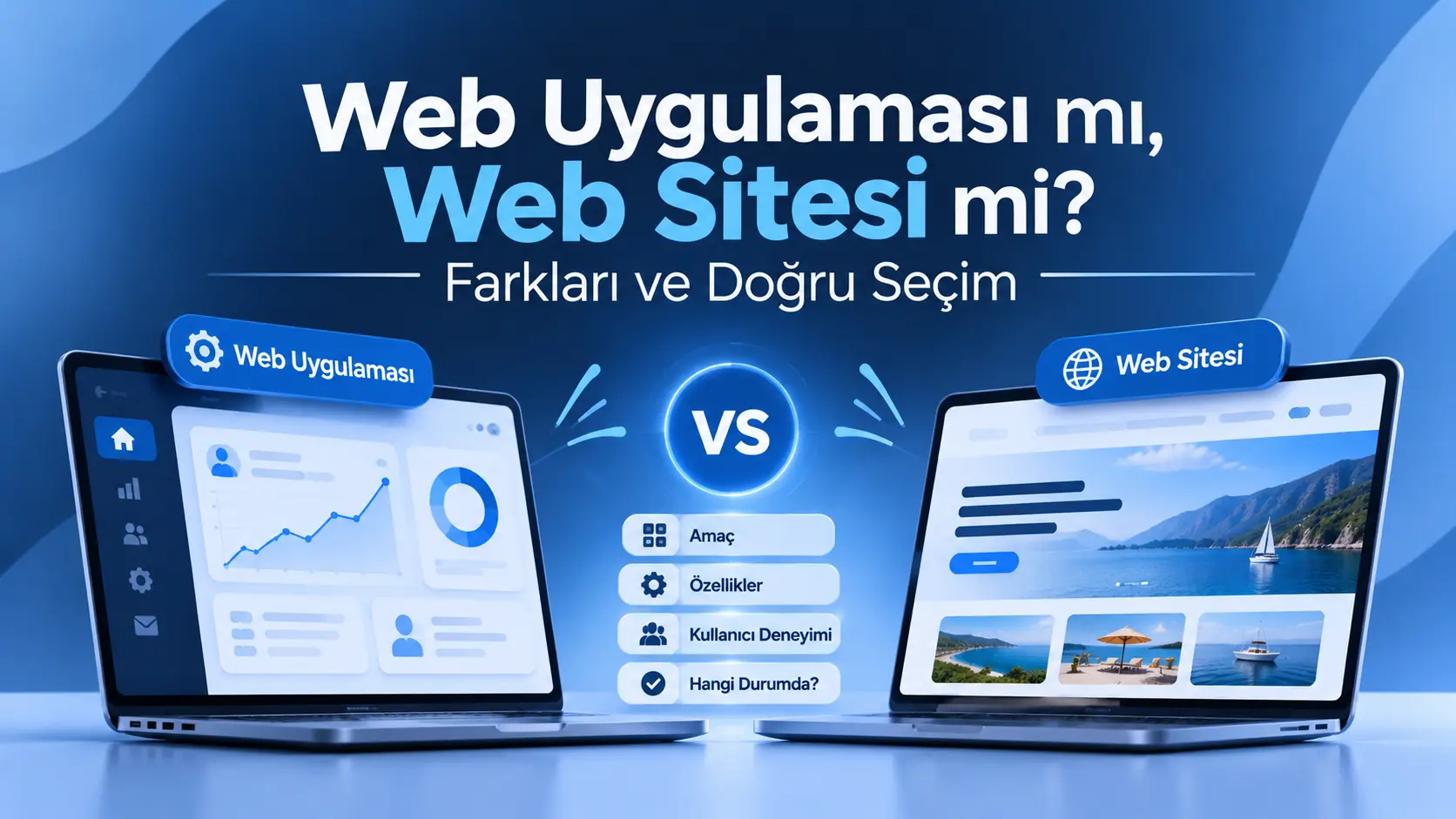
For a corporate website, a good CMS is often enough. If your sales, application or project processes also run digitally, the need becomes an admin panel. We explain how we design the two together on our CMS and admin panel development page.
Off-the-Shelf Panel or Custom Admin Panel?
Off-the-shelf panels (WordPress admin, ready-made admin templates or SaaS tools) offer a quick start. As a business grows, however, some limits become clear. Weigh these criteria together:
- Process fit: With an off-the-shelf panel, your team adapts to the software's flow; a custom panel is designed around your workflow.
- Clutter: Off-the-shelf panels offer dozens of menus to suit everyone. A custom panel only contains the screens your team actually uses.
- Integration: An off-the-shelf panel integrates only as far as the provider allows. A custom panel can connect directly to your ERP, CRM or accounting system.
- Permissions: Detailed permissions by department, branch or project are often patched together with plugins in ready-made tools. In a custom panel, this structure is built in from the start.
- Data ownership and security: With a custom panel, you decide where and how your data is stored, and data protection requirements such as KVKK and GDPR are planned from day one.
If your team is small and you only need to update content, an off-the-shelf CMS can make sense. If your processes are specific to your industry, you need to bring several systems together, or your team spends time working around a ready-made panel, a custom admin panel works more efficiently in the long run.
Features Every Good Admin Panel Should Have
1. Role and permission management
When everyone can see everything, it creates both a security risk and confusion. In a good panel, the content editor, the sales rep and the manager log in to the same system but only see and edit the screens relevant to their own work.
2. A simple, fast interface
The panel is a tool used every day. Completing frequent tasks in a few clicks and being able to search and filter lists directly affects your team's productivity. An interface that matches your brand identity also makes the system easier to adopt.
3. Reporting and dashboards
A panel should not just be a place to enter data, but a tool that makes decisions easier. Managers should be able to follow requests, sales and operational status from a single screen. We discuss how data feeds into decision-making in Efficiency in Digital Transformation Projects.
4. Integrations
The panel should be able to talk to the other systems your business uses. For example, a request from your website landing automatically in your CRM, or an approved order being transferred to your accounting system, eliminates repetitive manual work. You'll find integration examples on the sales side in How to Track Leads with CRM Integration.
5. Security and data protection compliance
The panel is where your business's most sensitive data is accessed. Strong authentication, activity logs, IP restrictions, regular backups and processing personal data in line with KVKK and GDPR should all be planned from the start.
6. Multilingual support and mobile use
Businesses publishing in more than one language need to manage content per language. If your team works in the field, the panel should also be comfortable to use on tablets and phones.
How Does Admin Panel Development Work?
These are the steps we follow in a custom admin panel project:
- Process analysis: We work out together which tasks the panel will handle, who will use it and which data it will manage.
- Screen and permission plan: We define the screen list, the roles and which areas each role will see.
- Design: We design a simple interface in line with your brand identity and present it for approval as a clickable prototype.
- Development and integration: We build the panel and set up the required integrations.
- Testing and training: We test it with your team and provide training on how to use it.
- Launch and support: After going live, we continue with maintenance and development support.
We have applied this approach across different industries. In the DKM İnşaat project, for example, we brought the corporate website, CMS and CRM together into a single integrated system.
What Determines the Cost of an Admin Panel?
The cost of an admin panel depends on the number of screens and roles, the complexity of the workflows, the integrations and the design expectations. That's why the right price is calculated for each project once the scope is clear. We explain the factors that affect the budget in our custom software pricing guide, and what to ask when getting quotes in 12 Questions to Ask When Getting a Software Quote.
Frequently Asked Questions
Is an admin panel the same as a dashboard or control panel?
Broadly, yes. "Admin panel", "control panel" and "back office" all refer to the management side of a system; a dashboard is usually the summary screen within it.
Can an admin panel be added to my existing website?
In most cases, yes. Depending on your site's infrastructure, either a new panel is connected or the site is moved to a manageable structure. You can assess whether your site needs a refresh with our website redesign signs.
Can an admin panel replace a CRM?
A panel can store customer records, but if you need a sales funnel, lead distribution and sales reports, a purpose-built CRM system works more efficiently. The two can also work together through integration.
Is an admin panel only for websites?
No. Mobile apps, web applications and internal operations tools also need an admin panel.
Conclusion
A good admin panel lets your team manage its work from a single screen without depending on developers or spreadsheets. A panel designed around your workflow rather than a generic template soon becomes the most-used tool in your operations. If you're planning a custom admin panel for your business, get in touch and let's define your needs together.