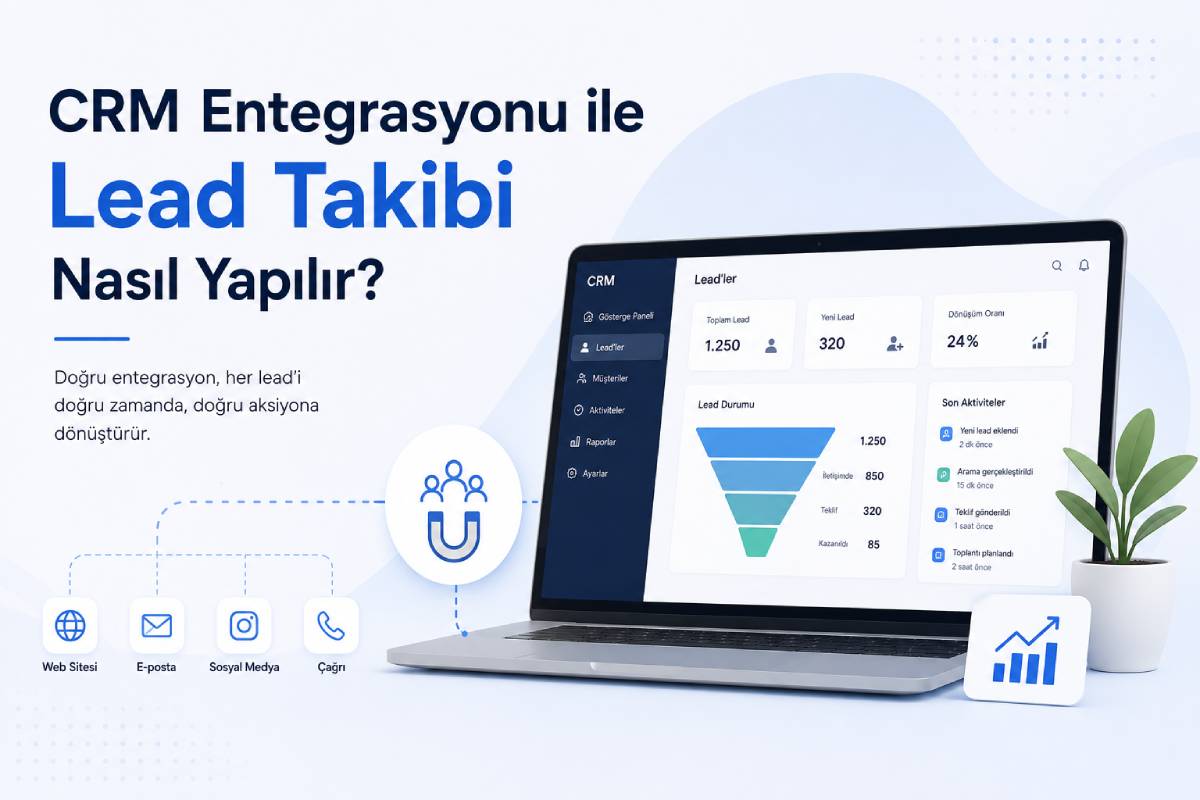
Tracking prospects in spreadsheets, inboxes or WhatsApp chats lets sales opportunities slip away unnoticed. CRM integration collects requests from every channel on a single platform and shows exactly which stage each lead is in. In this article we explain step by step how to track leads with a CRM.
What Is a Lead?
A lead is a potential customer who has shown interest in your product or service. Anyone who fills in a contact form, asks for a price or requests a demo is a lead. But leads that aren't tracked properly are lost before they turn into sales opportunities. The purpose of lead management is to make sure every request is answered on time by the right person.
Where Do Leads Come From?
Businesses usually receive leads from several channels at once:
- Website contact and quote forms
- Google Ads campaigns
- Meta (Facebook and Instagram) ads
- WhatsApp and phone
- Referrals and existing customers
As the number of channels grows, manual tracking gets harder: it becomes unclear who owns which request and which ones have been answered.
Why Is CRM Integration Necessary?
CRM integration connects these channels to your CRM automatically. As a result:
- All requests from different channels are collected on one platform.
- No prospect is forgotten or contacted twice.
- The source of every lead is recorded, so you can measure which channel performs best.
- The sales team sees the full customer history on one screen.
Automatic Lead Distribution
A well-designed CRM acts on a new lead without waiting. For example, it can:
- assign the lead to the right sales rep based on region, product or workload,
- create a task for the rep,
- send a welcome email to the prospect,
- set a reminder if nobody follows up in time.
These automations shorten first response time and directly increase conversion rates. We explain how similar automations apply beyond the CRM on our AI and automation page.
Build a Sales Funnel
The foundation of lead tracking is seeing clearly which stage each prospect is in. A typical sales funnel looks like this:
- Lead
- First meeting
- Proposal
- Negotiation
- Won
- After-sales
Once the funnel is defined, every stage becomes measurable: you can see where most opportunities are lost, how long the proposal stage takes and which rep performs best.
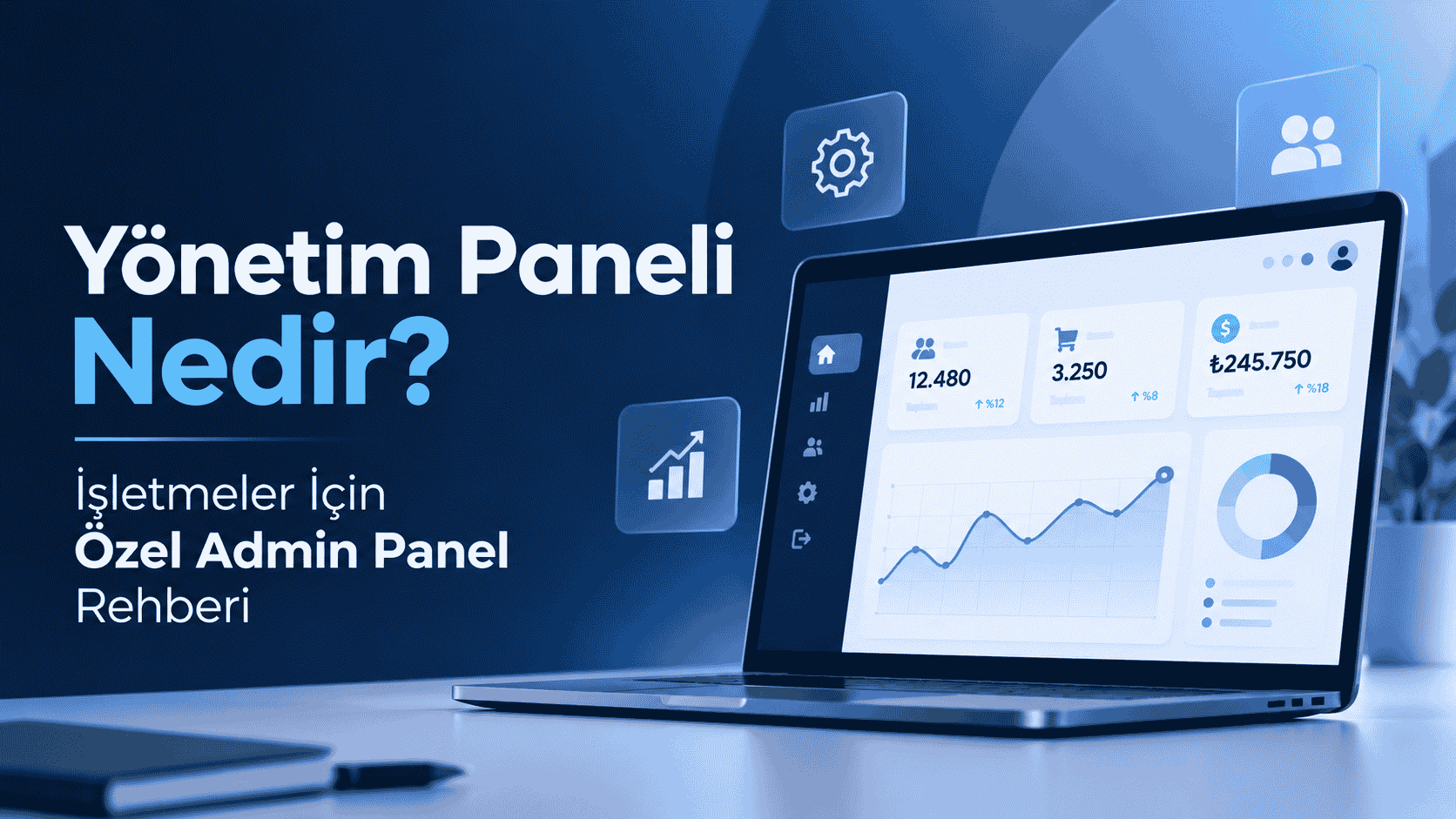
Track Sales Performance on a Dashboard
With CRM reports, management can follow all of this on a single screen:
- How many leads came in during a period
- Which source is most effective
- Conversion rates between stages
- Team and individual performance
This data turns decisions such as where to spend the advertising budget into data-driven ones. We discuss the role of reporting in our article How to Increase Efficiency in Digital Transformation Projects.
Off-the-Shelf CRM or Custom CRM?
If your sales process is standard, an off-the-shelf CRM may be enough. But if you have industry-specific stages, custom proposal flows or need deep integration with ERP, accounting or WhatsApp, a custom CRM works more efficiently. You can compare the options on our CRM systems page and read about what drives the cost in our custom software pricing guide.
Conclusion
A CRM is not just a customer list. With the right integration, it becomes a strategic platform that manages the whole process, from capturing leads to after-sales. If you want to bring your lead tracking onto one platform, get in touch and let's plan the right CRM setup together.