
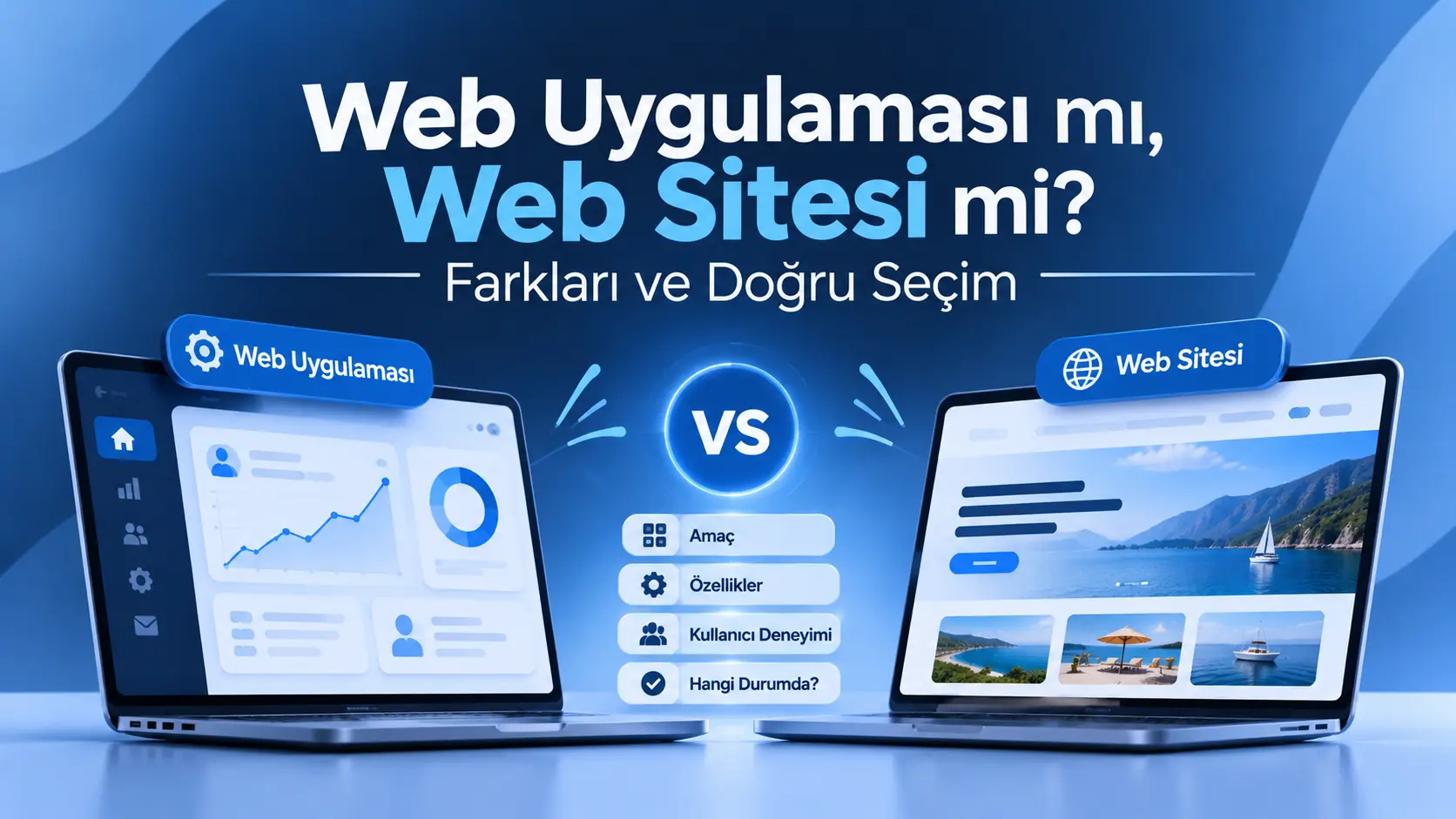
Short answer: A website is designed to inform visitors and present a company; it is content-driven. A web application is software where users log in, carry out tasks, enter and retrieve data and run business processes. If you need to present your business and collect enquiries, a website is the right choice; if you need to manage orders, applications, customers or projects, you need a web application.
The two terms are often used interchangeably, but their purpose, development process and cost are different. Making the right choice directly affects both your budget and the success of the project. In this article we explain the differences with examples.
What Is a Website?
A website consists of pages presenting the company, its services, references and contact details. Visitors mostly read, browse and get in touch through a form. Corporate sites, showcase sites and blogs fall into this group. Updating content through a content management system (CMS) is usually enough.
What Is a Web Application?
A web application is software that runs in the browser but works like a desktop program. Users log in, see different screens depending on their role, create and update data and generate reports. CRMs, application portals, booking systems, customer portals and SaaS products are all web applications.
Key Differences
- Purpose: A website informs and presents; a web application helps you get a job done.
- Interaction: On a website, interaction is mostly limited to forms and links; in a web application, users constantly enter data and take actions.
- User accounts: Websites usually don't require sign-up; in a web application, user login, roles and permissions are a core part.
- Data: A website's data is mostly content; a web application processes business data such as customers, orders and applications.
- Search engines: One of a website's main goals is to be visible in search; the logged-in parts of a web application aren't public anyway.
- Development and maintenance: Because of business rules, security and integrations, a web application requires more extensive development and regular maintenance.
Which One Do You Need?
A website is enough if
- You want to present your company and services
- You collect enquiries through a contact form, phone or WhatsApp
- You want to attract visitors from search engines with content and a blog
You need a web application if
- Your customers or team need to log in and take actions
- You want to manage applications, orders, appointments or projects digitally
- You want to bring a process that runs on spreadsheets and email into a single platform
- You need to exchange data with other systems (ERP, CRM, accounting)
Both Together: The Most Common Scenario
Many businesses actually need both: a website that presents the company and is visible in search, and an application that runs things behind the scenes. For example, we built a corporate website managed with a custom CMS for Capsule HR, and an interactive, step-by-step candidate application portal, in other words a web application, for Pronet.
The two can also be connected: a form on the website can turn directly into a record in the application. That way no enquiry gets lost and the team works from one place.
Differences in Cost and Timeline
The scope of a website is usually determined by the number of pages, design and content management needs. In a web application, the number of screens and roles, business rules, integrations and security requirements are decisive. That's why their cost and timeline are calculated differently. We explain the factors that affect the budget in our custom software pricing guide.
Frequently Asked Questions
Can I add an application to my existing website later?
Yes. Depending on your site's infrastructure, the application can run on a separate domain or be integrated with the site. You can check whether your site needs a refresh with our website redesign signs.
Does a website need an admin panel too?
Yes, if you want to update content without a developer. We explain what a panel covers in What Is an Admin Panel?
Does a web application work on mobile?
Yes. A responsively designed web application can be used on phones and tablets. If mobile use is heavy, a separate mobile app can also be built.
Conclusion
A website is your business's shop window; a web application is the tool that runs your business. Defining your need correctly prevents unnecessary spending and gets you to the right solution faster. You can read about our approach on our web applications and CMS and admin panel development pages, or get in touch to define your needs together.